Frequently Asked Questions
What are the types of video conferencing solutions?
The types of video conferencing solutions include software-based platforms, hardware-based systems, and integrated solutions that combine both. These cater to various needs, from personal meetings to large-scale corporate events, ensuring seamless communication.
What is the cost of video conferencing solutions in Dubai?
The cost of video conferencing solutions in Dubai varies based on the technology and features required, typically ranging from AED 1,500 to AED 10,000 or more, depending on the complexity and scale of the setup.
How do video conferencing solutions work in Dubai?
Video conferencing solutions in Dubai operate by utilizing high-speed internet connections and advanced software platforms, enabling seamless communication and collaboration among users through audio and video feeds, regardless of their physical locations.
How do I obtain DynamicCom?
To obtain DynamicCom products, simply visit our e-shop at DynamicCom.com, browse our extensive range of electronics, and place your order online for delivery within the UAE and Middle East.
How do I choose a conferencing solutions provider?
Choosing a conferencing solutions provider involves assessing your specific needs, evaluating the technology offered, and considering factors such as ease of use, customer support, and scalability to ensure it aligns with your business requirements.
What are the benefits of using video conferencing solutions?
The benefits of using video conferencing solutions include enhanced communication, cost savings on travel, increased productivity, and the ability to connect with teams or clients globally in real-time, fostering collaboration and efficiency.
Are video conferencing solutions available for Dubai office?
Video conferencing solutions are available for offices in Dubai through DynamicCom. We offer a variety of products tailored to meet your business's communication needs. Explore our selection online for the best options.
How do I configure DynamicCom?
Configuring DynamicCom involves accessing the platform through your account, selecting the desired products or solutions, and following the on-screen instructions to customize settings according to your needs. For detailed guidance, refer to our user manual or support section.
What are the features of DynamicCom?
The features of DynamicCom include a diverse range of electronics, such as video conferencing solutions, streaming equipment, and digital signage hardware, along with an easy-to-navigate online storefront and a dealer portal for authorized brands.
Are video conferencing solutions easy to use?
Video conferencing solutions are designed to be user-friendly, allowing participants to connect seamlessly with minimal technical knowledge. Most platforms offer intuitive interfaces and straightforward setup processes, making them accessible for everyone.
What features should I look for in video conferencing solutions?
The key features to look for in video conferencing solutions include high-definition video quality, reliable audio, user-friendly interface, screen sharing capabilities, and robust security measures to ensure a seamless and secure communication experience.
How can video conferencing enhance remote collaboration?
Video conferencing enhances remote collaboration by enabling real-time communication, fostering stronger connections among team members, and facilitating visual engagement through screen sharing and presentations, ultimately improving productivity and teamwork despite geographical distances.
What are the top brands for video conferencing solutions?
The top brands for video conferencing solutions include Zoom, Cisco Webex, Microsoft Teams, and Logitech. These brands are recognized for their reliable technology, user-friendly interfaces, and robust features that enhance virtual communication.
How reliable are video conferencing solutions in Dubai?
The reliability of video conferencing solutions in Dubai is high, supported by robust internet infrastructure and advanced technology, ensuring seamless communication for businesses and individuals across the region.
What equipment is needed for effective video conferencing?
Effective video conferencing requires a high-quality camera, a reliable microphone, and a stable internet connection, along with a suitable display screen and conferencing software to ensure clear communication and engagement.
How to troubleshoot common video conferencing issues?
Troubleshooting common video conferencing issues involves checking your internet connection, ensuring your camera and microphone are properly connected, and verifying that the software is updated. Restarting the application or device can also resolve many problems.
What security measures are in place for video conferencing?
The security measures in place for video conferencing include end-to-end encryption, password protection, waiting rooms, and user authentication, ensuring that only authorized participants can access the meetings and sensitive information remains secure.
How do I integrate video conferencing with existing systems?
Integrating video conferencing with existing systems involves assessing compatibility, utilizing APIs, and configuring software settings to ensure seamless operation. Consult your system documentation and consider professional support for optimal integration.
What are the latest trends in video conferencing technology?
The latest trends in video conferencing technology include enhanced AI-driven features for improved user experience, integration of virtual and augmented reality for immersive meetings, and increased focus on security and privacy measures to protect sensitive communications.
How can I improve video quality during conferences?
Improving video quality during conferences involves ensuring a stable internet connection, using high-quality cameras and microphones, optimizing lighting, and selecting appropriate video conferencing software. These steps enhance clarity and engagement for all participants.
What platforms support video conferencing solutions?
Various platforms support video conferencing solutions, including Zoom, Microsoft Teams, Google Meet, Cisco Webex, and Skype. These platforms offer diverse features to enhance virtual communication and collaboration.
How scalable are video conferencing solutions for businesses?
The scalability of video conferencing solutions for businesses is significant, allowing organizations to easily expand their usage as they grow, accommodating more users and advanced features without major infrastructure changes.
What is the average setup time for video conferencing?
The average setup time for video conferencing typically ranges from 15 to 30 minutes, depending on the complexity of the equipment and the user's familiarity with the technology.
How do I ensure a stable internet connection for conferencing?
Ensuring a stable internet connection for conferencing requires using a wired connection when possible, minimizing bandwidth usage by closing unnecessary applications, and regularly testing your internet speed to confirm adequate performance.
What are the environmental benefits of video conferencing?
The environmental benefits of video conferencing include reducing carbon emissions by minimizing travel, conserving energy, and decreasing the overall ecological footprint associated with in-person meetings. This technology promotes sustainability and supports a greener future.
How can video conferencing solutions reduce travel costs?
Video conferencing solutions can significantly reduce travel costs by enabling virtual meetings, eliminating the need for physical travel and associated expenses like airfare, accommodation, and meals, while still facilitating effective communication and collaboration.
What user feedback is available for DynamicCom?
User feedback for DynamicCom highlights a positive shopping experience, with customers appreciating the wide range of electronics, efficient service, and helpful support for product inquiries and reselling opportunities.
How often should I update my video conferencing software?
Updating your video conferencing software regularly is essential for optimal performance and security. Aim to check for updates at least once a month or whenever prompted by the software to ensure you have the latest features and fixes.
What are the common challenges with video conferencing?
Common challenges with video conferencing include poor internet connectivity, audio and visual quality issues, user interface difficulties, and the potential for technical glitches, which can disrupt communication and collaboration.
How can I train staff on video conferencing tools?
Training staff on video conferencing tools can be achieved through hands-on workshops, online tutorials, and practice sessions, ensuring they understand the software's features and functionalities for effective communication.


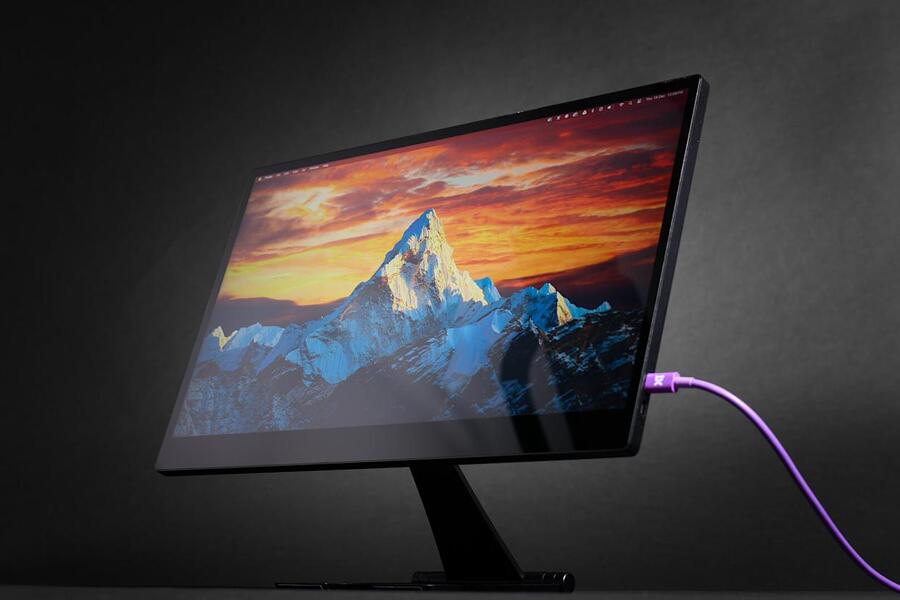


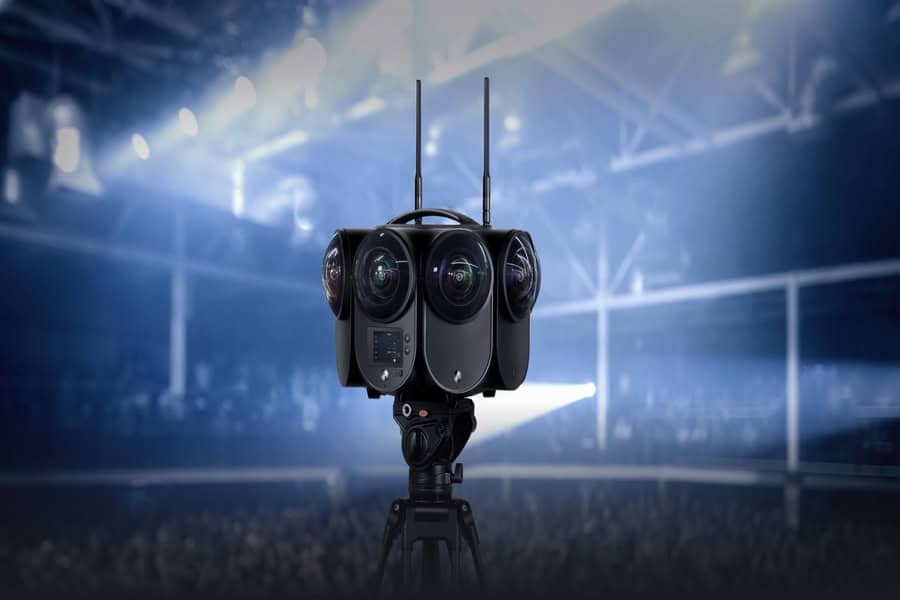
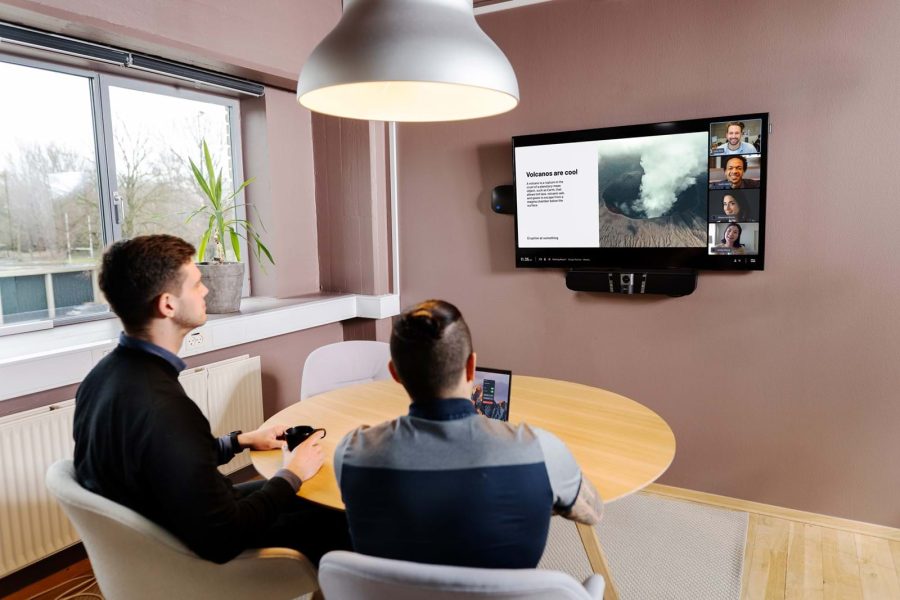


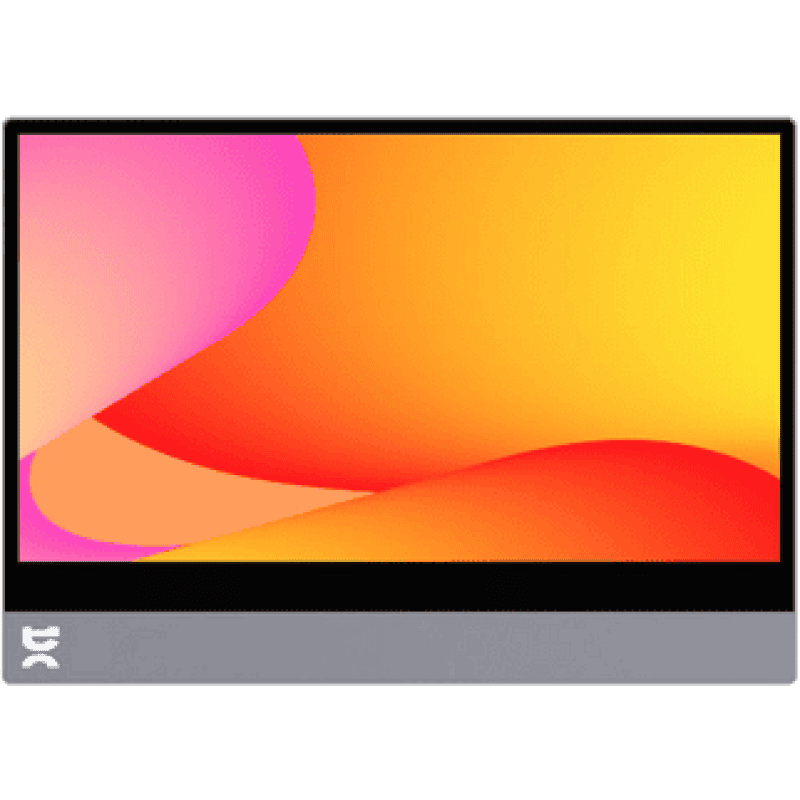 Espresso DisplayPrice range: AED 1,310.91 through AED 1,653.46
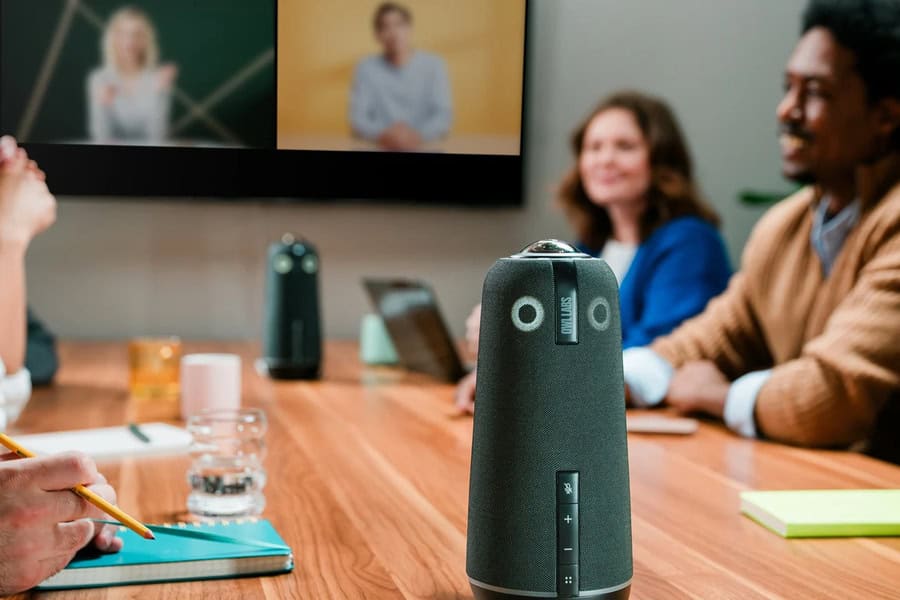
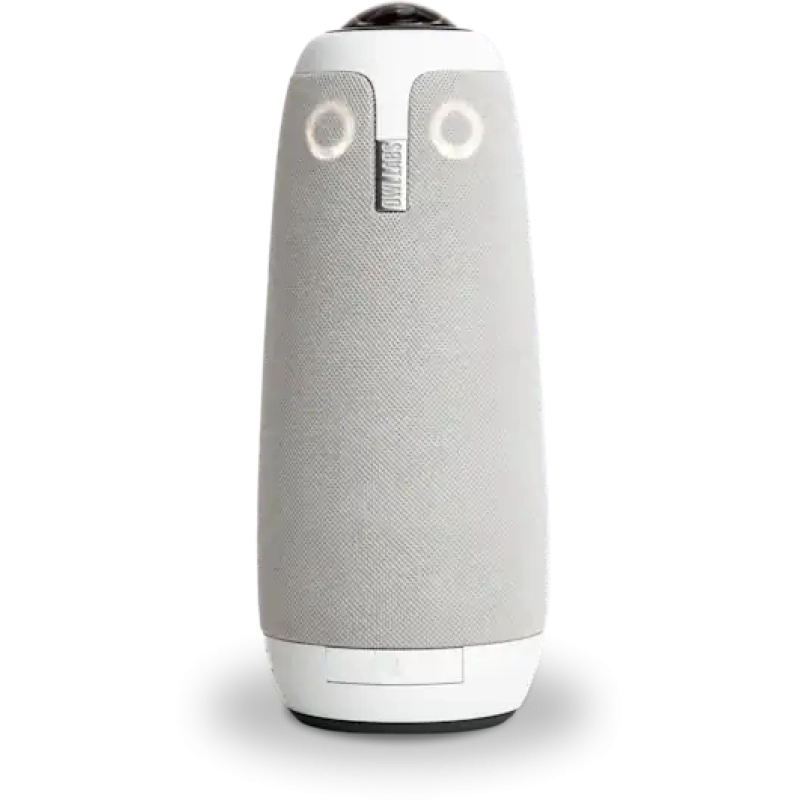 Meeting Owl 3 360° Video Conference CameraAED 4,093.87
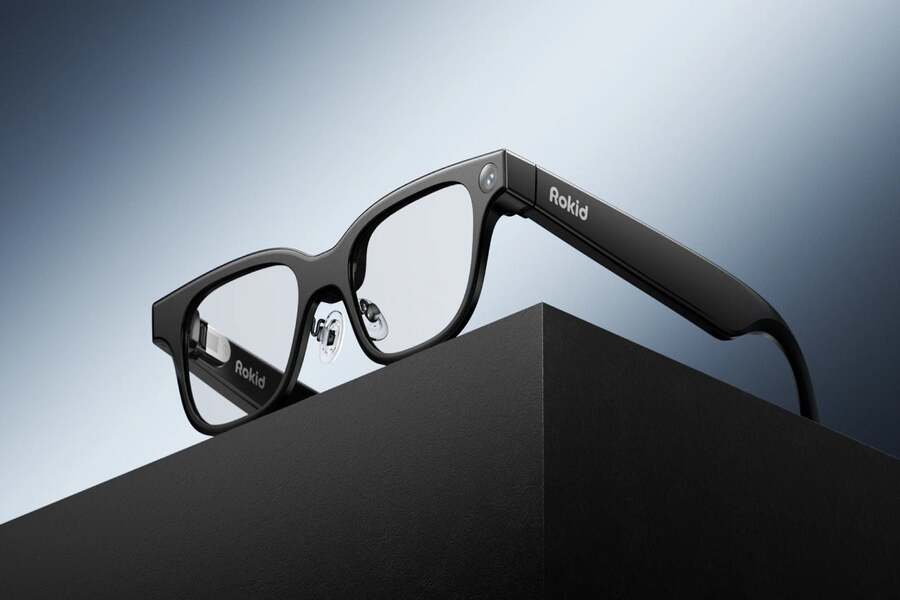
 Rokid AI Smart Glasses Real-Time Voice ControlAED 2,298.37
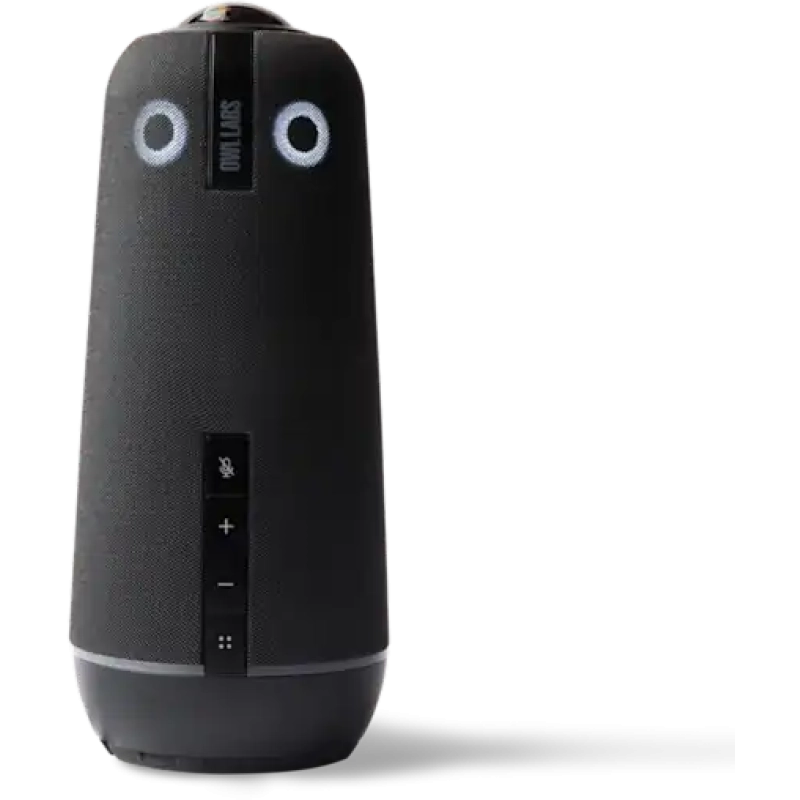 Meeting Owl 4+ 4K UHD 360° Conference CameraAED 8,196.39
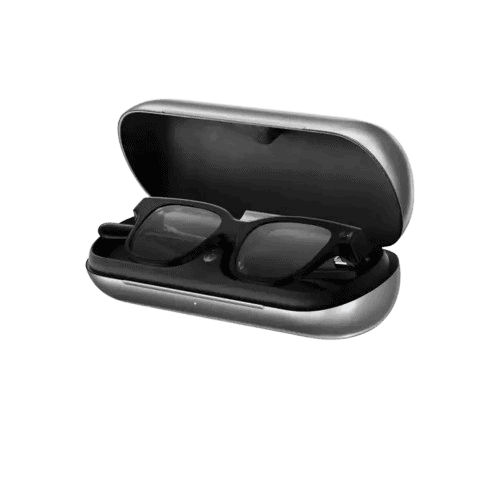 Rokid AI Glasses Charging Case for all day useAED 285.36
 Neat Pad Control/Scheduling DisplayAED 5,493.09
 Potensic Atom 2 Drone Sony CMOS 8K Photo AI TrackAED 1,775.28
 Neat Bar Pro 4K Video Conferencing SystemAED 34,044.45
 Boya Notra AI Recorder and TranscriberAED 486.39
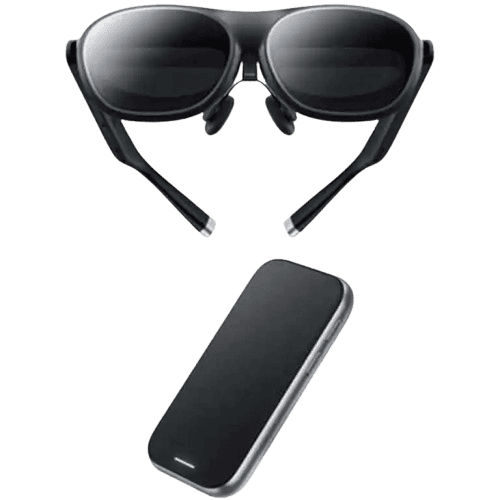 Rokid AR Spatial Bundle – Max 2 and Station 2 BundlePrice range: AED 1,014.33 through AED 1,921.00
 Meeting Owl Bar – OBOriginal price was: AED 8,196.39.AED 6,500.00Current price is: AED 6,500.00.
 BOYA K3 USB Condenser MicrophoneAED 490.00
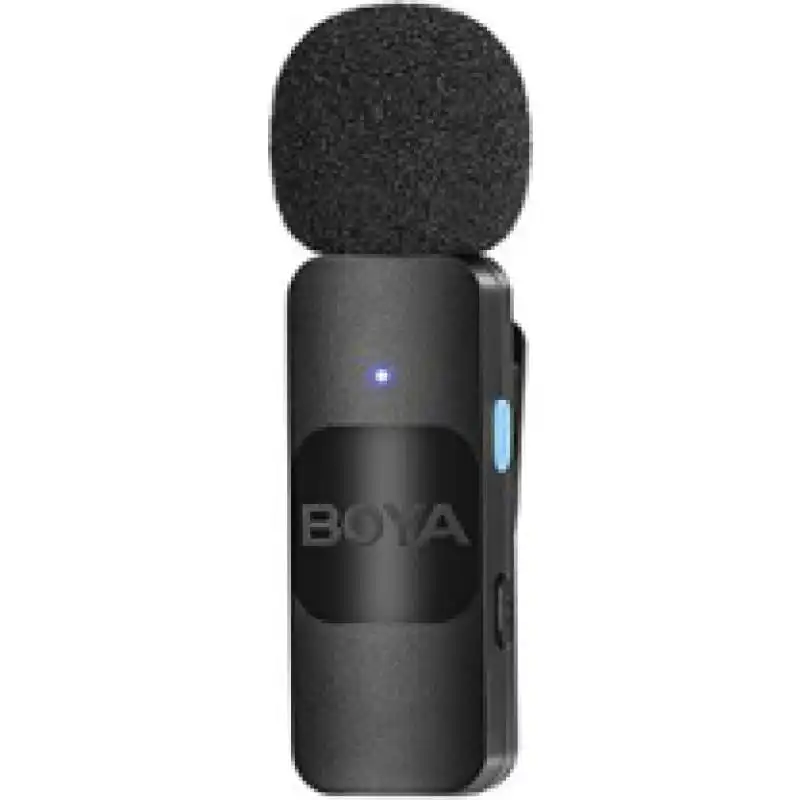 BOYA V Omni Lavalier MicrophonePrice range: AED 85.00 through AED 90.00
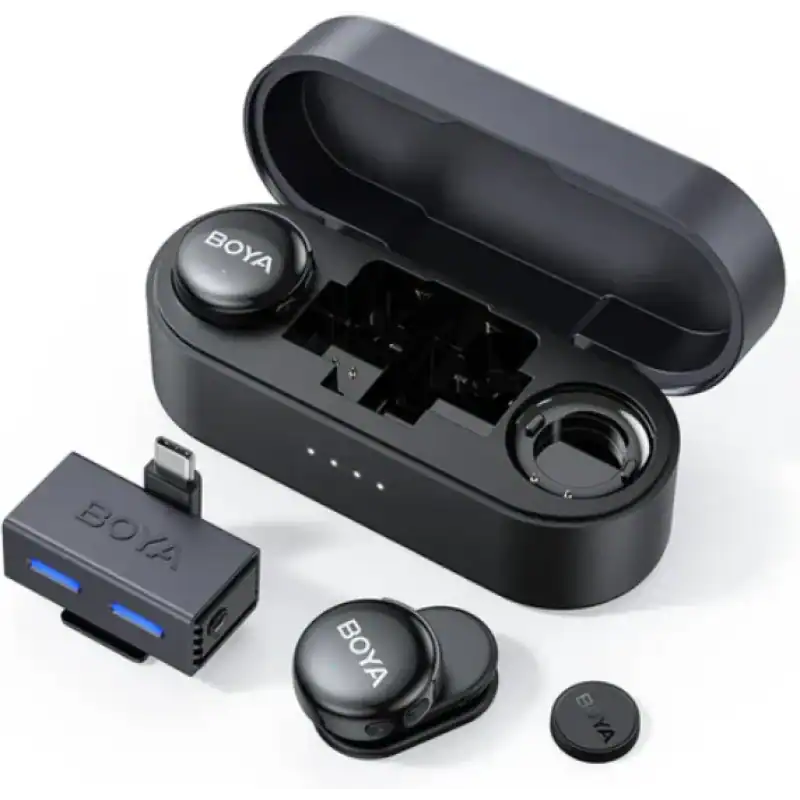 BOYA BOYALink 3 Dual Wireless Lavalier Mic AAED 399.00
 SALE
SALE

